Device automation
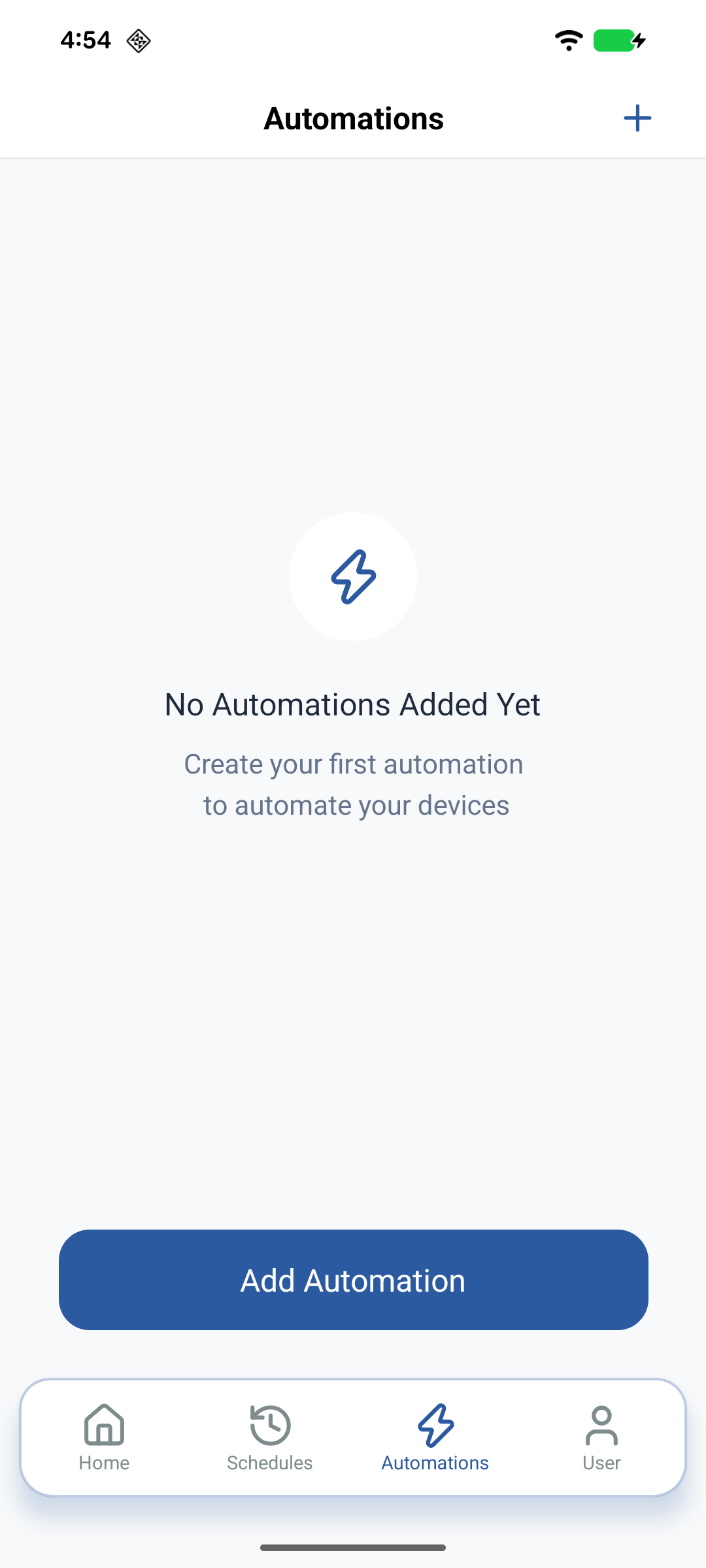
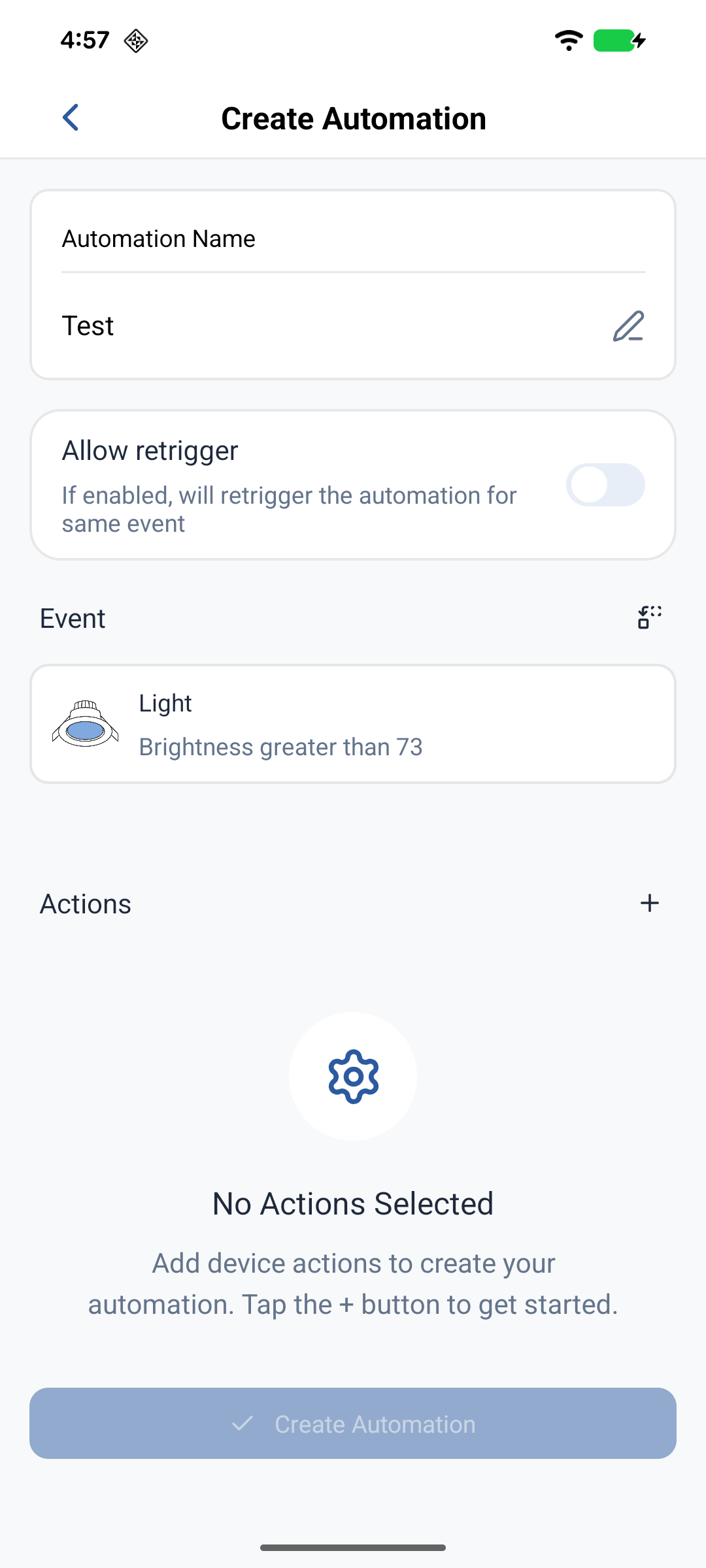
An Automation is a cloud-evaluated rule: when a trigger condition is met on one device, the platform runs actions on one or more others. Open Automations from the Automations tab in the bottom navigation.
Examples:
- If Switch-1 power turns ON, turn Light-1 ON
- If a temperature sensor reports above 22°C, turn a fan ON at speed 3
Automations list
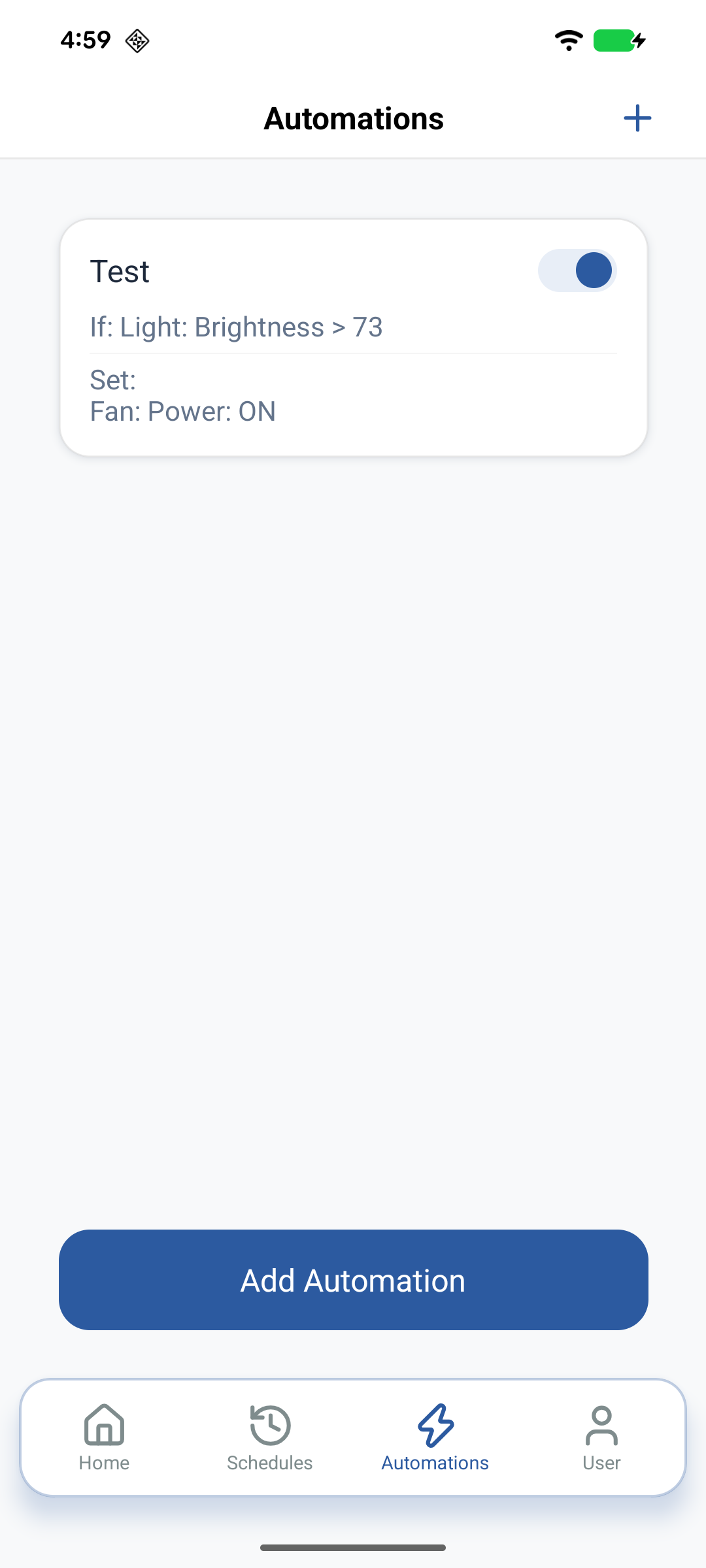
Each card shows the Automation name, event/trigger summary, actions summary, and an enable toggle. Pull down to refresh from the cloud. Tap a card for Edit/Delete; use the toggle for quick enable/disable.
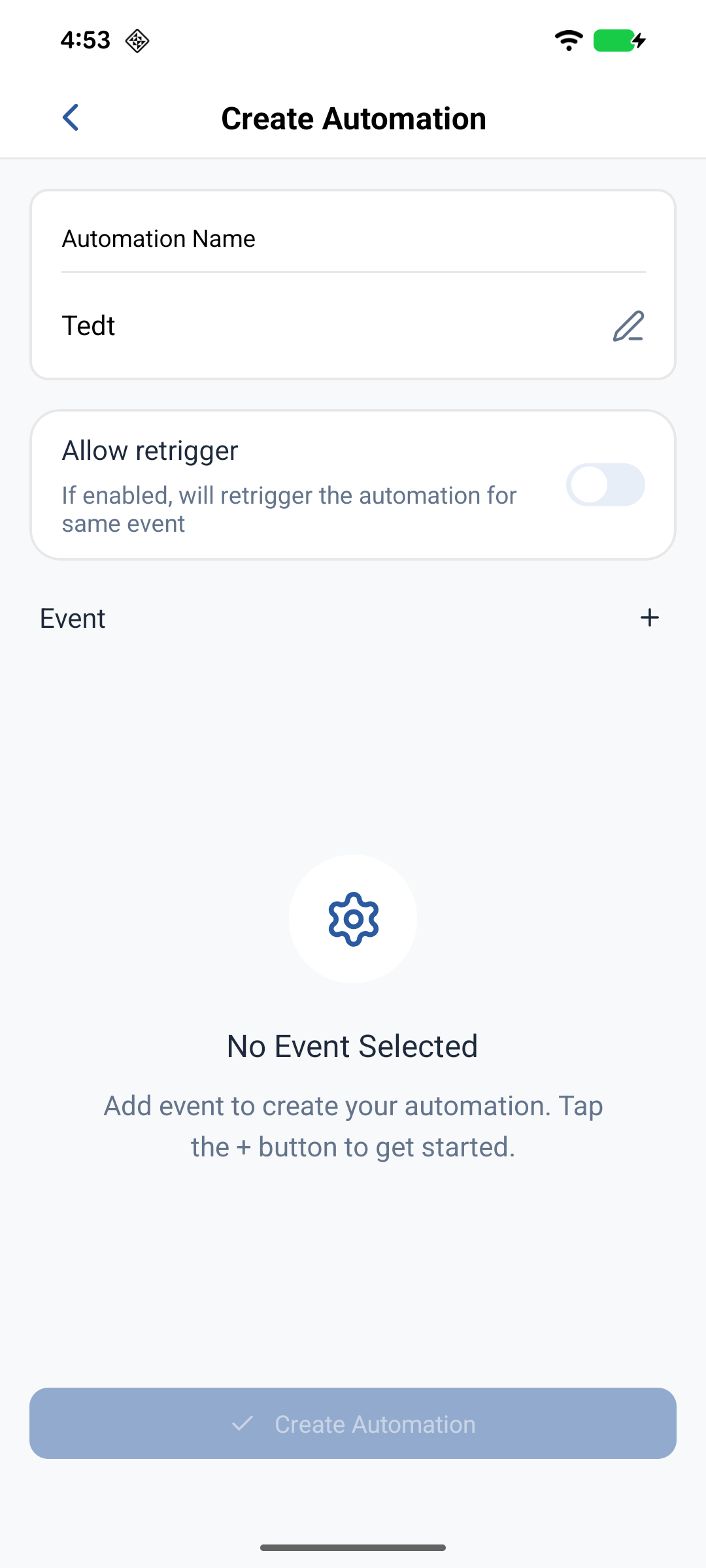
Create an Automation
Name
- Tap Add Automation (+).
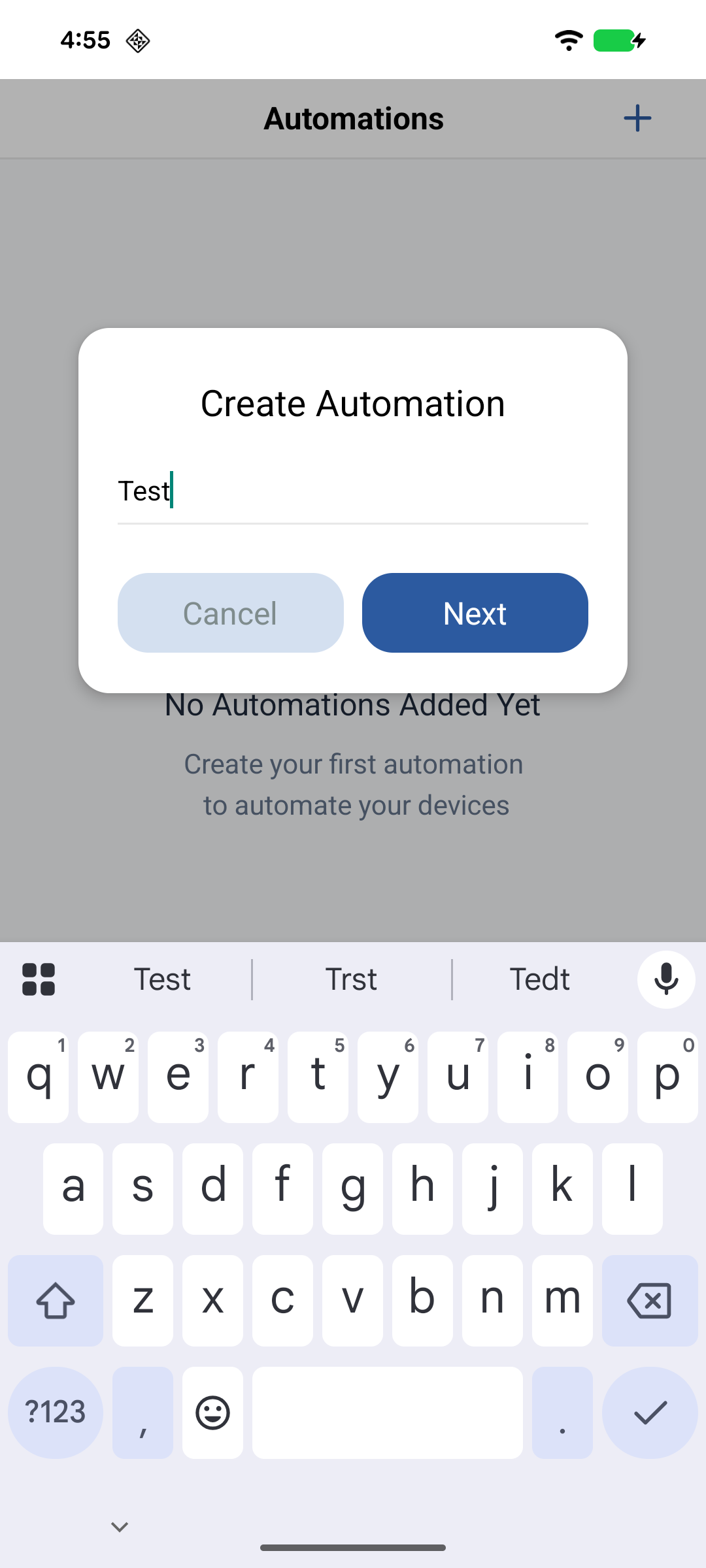
- Enter a unique name and tap Next.
Event (trigger)
- Tap Add Event.
- Select an online device in the current Home. Offline devices are dimmed and cannot be selected.
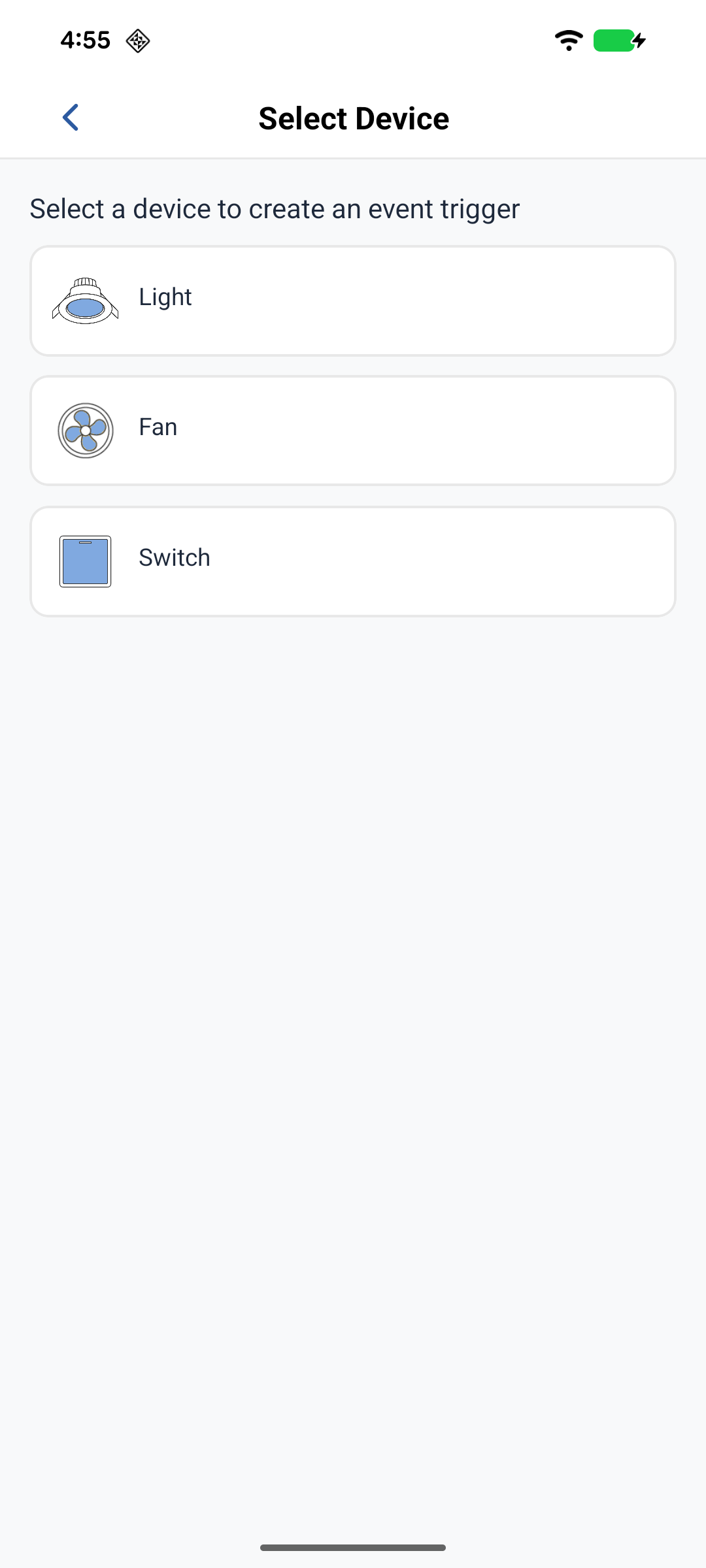
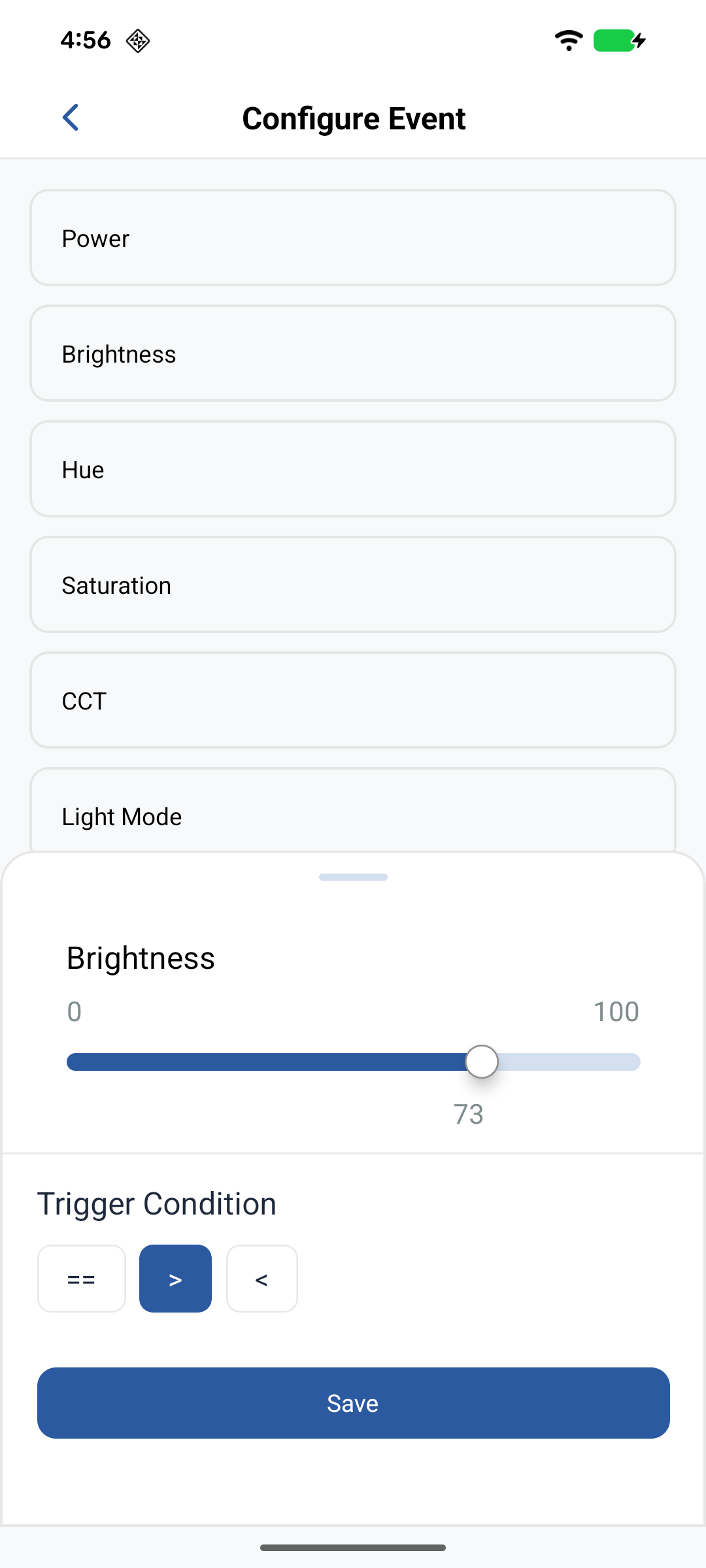
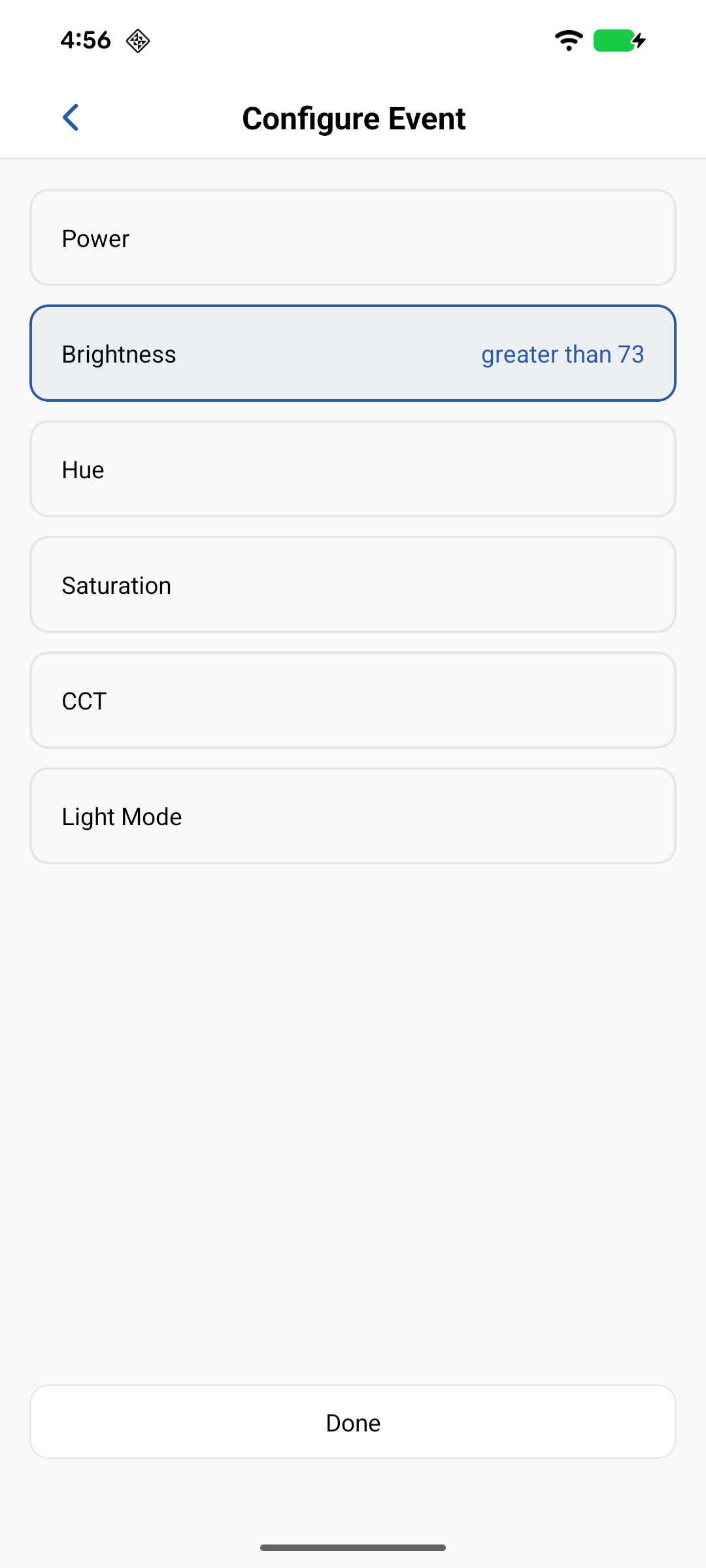
- Choose the parameter (for example Power or Temperature).
- Set the condition (
==,>,<,!=,>=,<=) and value, then tap Done.
Actions
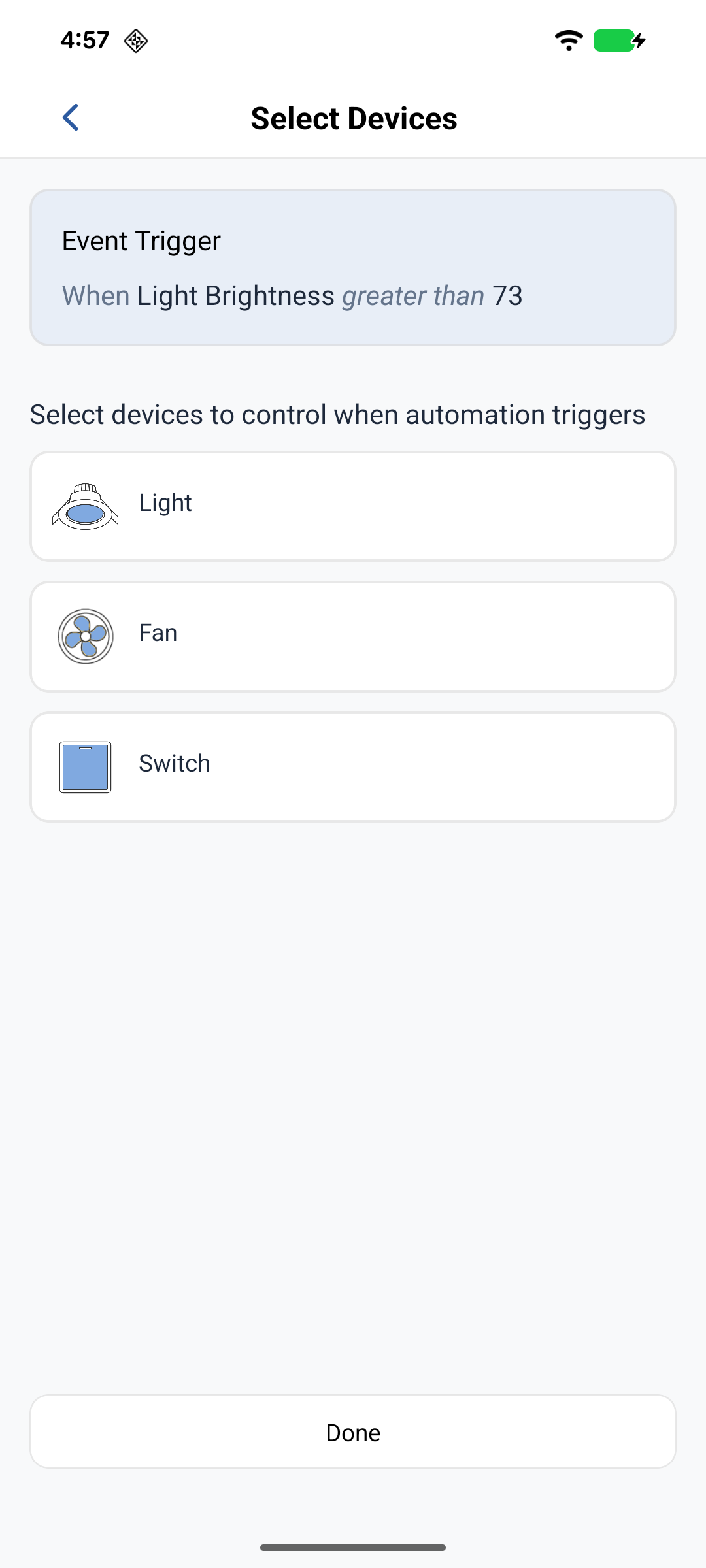
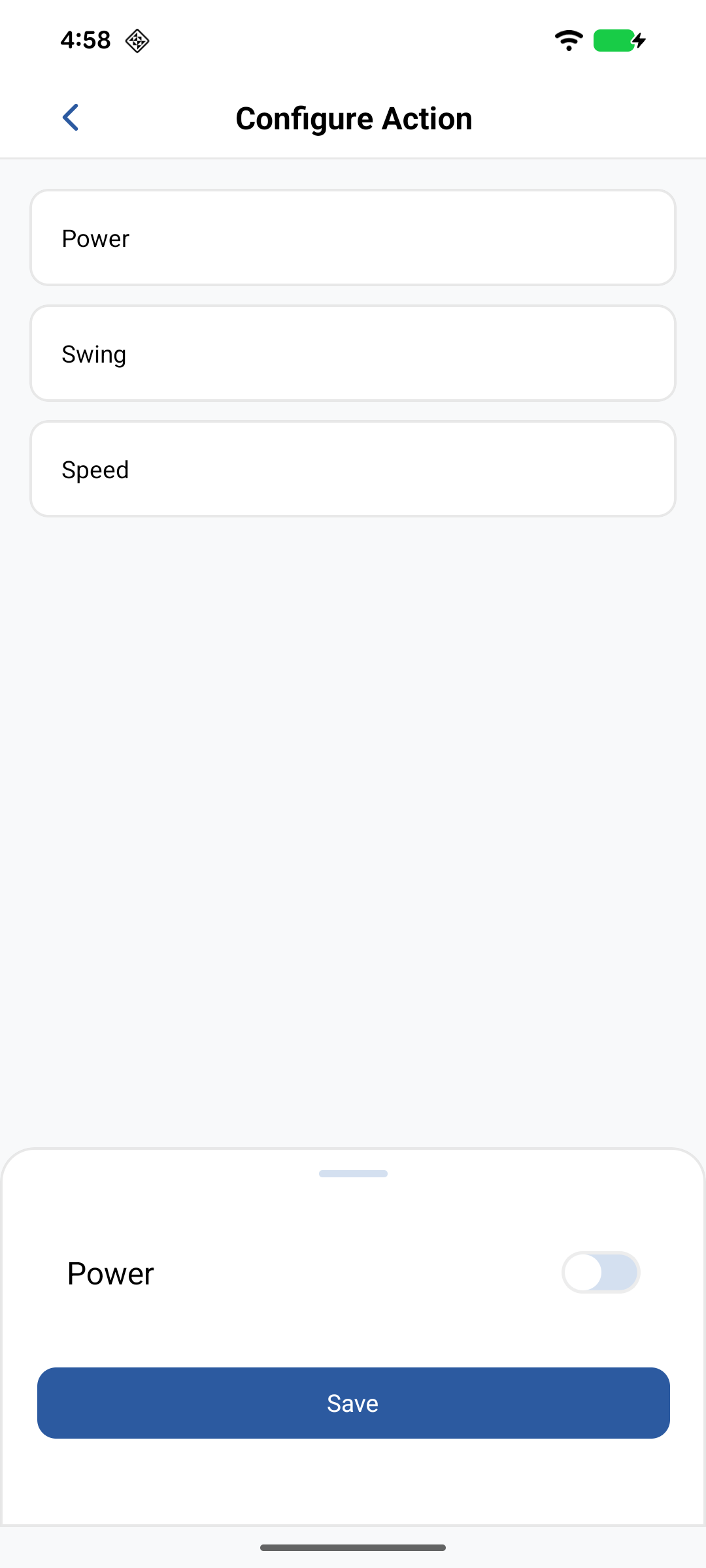
- Tap Add Action and select one or more devices. Remove a device with X.
- For each device, set the parameters to apply, then tap Save.
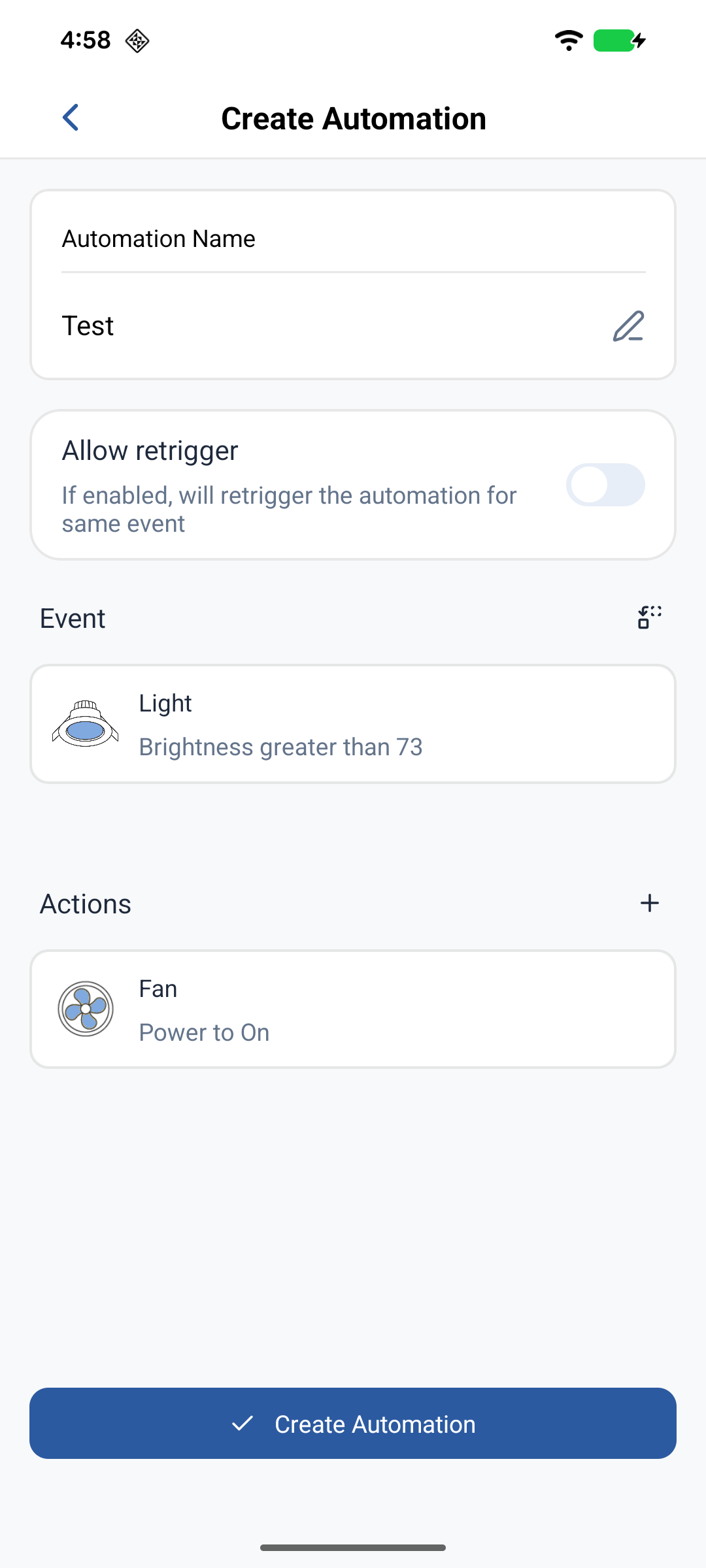
Advanced settings (optional)
Retrigger off (default) runs once when the condition becomes true. On runs repeatedly while the condition stays true.
Save
Tap Create Automation. The rule appears in the list and starts monitoring.
Edit
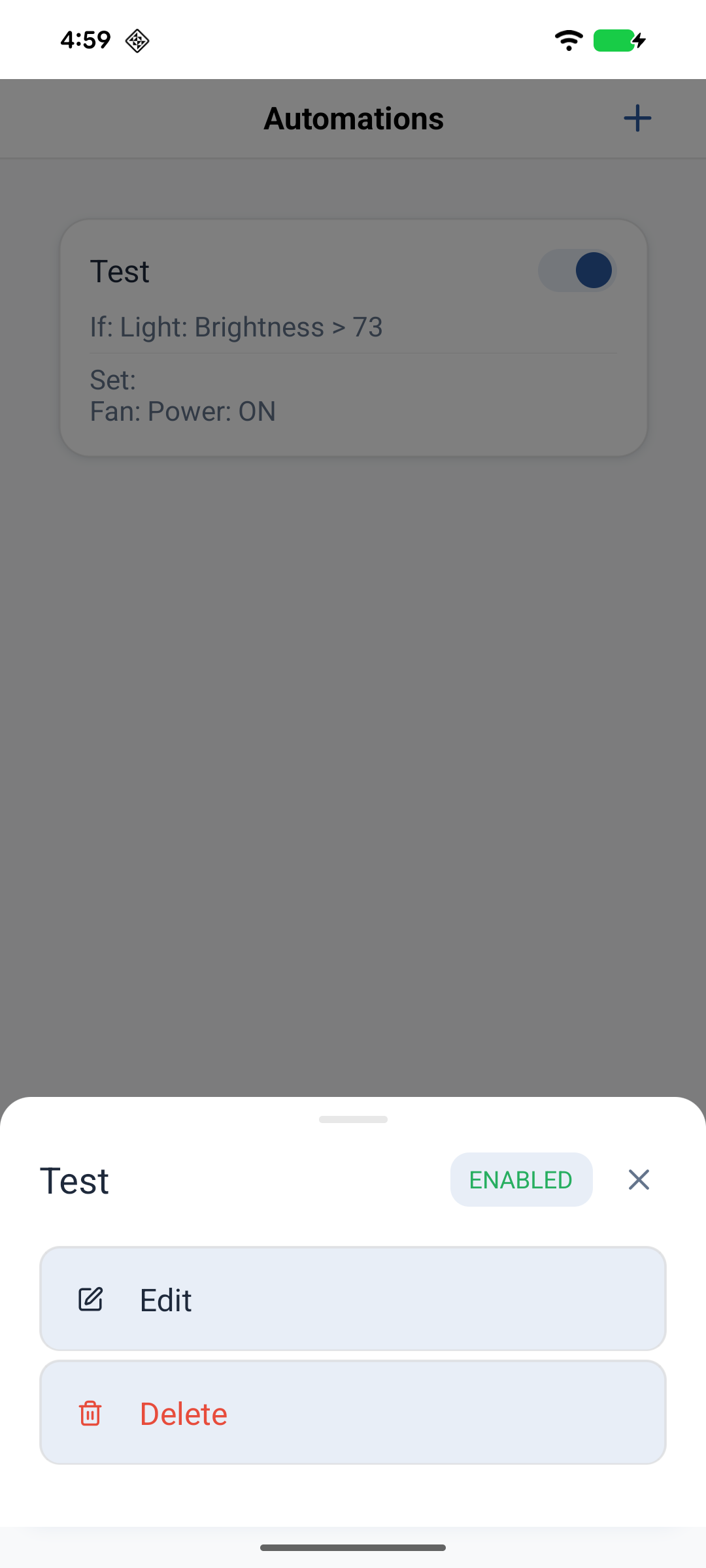
- Tap an Automation card → Edit.
- Change name, event, actions, or retrigger.
- Tap Update.
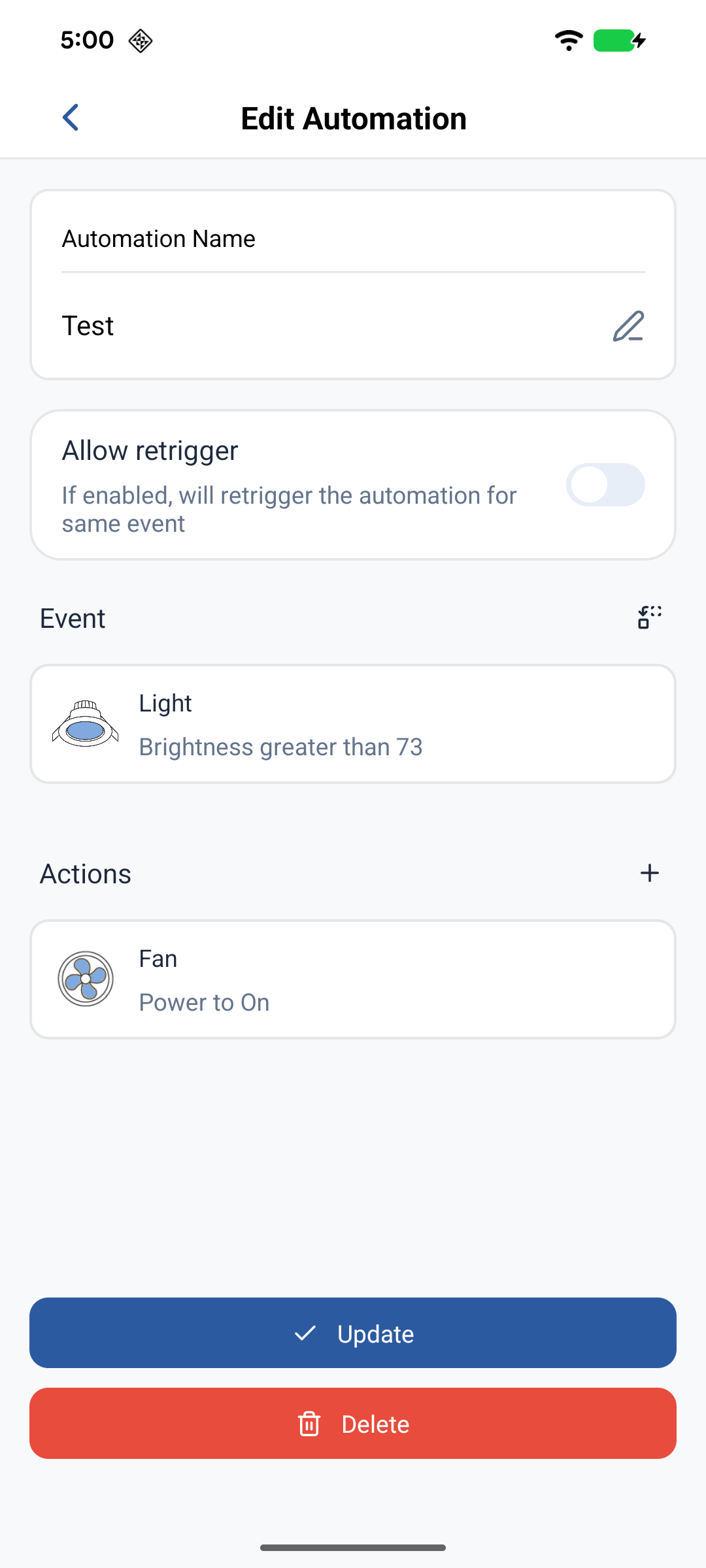
Enable or disable
Toggle the switch on the card, or open the card menu and use the ENABLED/DISABLED status. Disabled Automations are kept but do not monitor or fire.
Delete
- Tap an Automation card → Delete.
- Confirm. Deletion cannot be undone.
Related
- Schedules — time-based actions on the Node
- Device control — manual parameter changes
- Automations — how Automations work on Neo