Device information
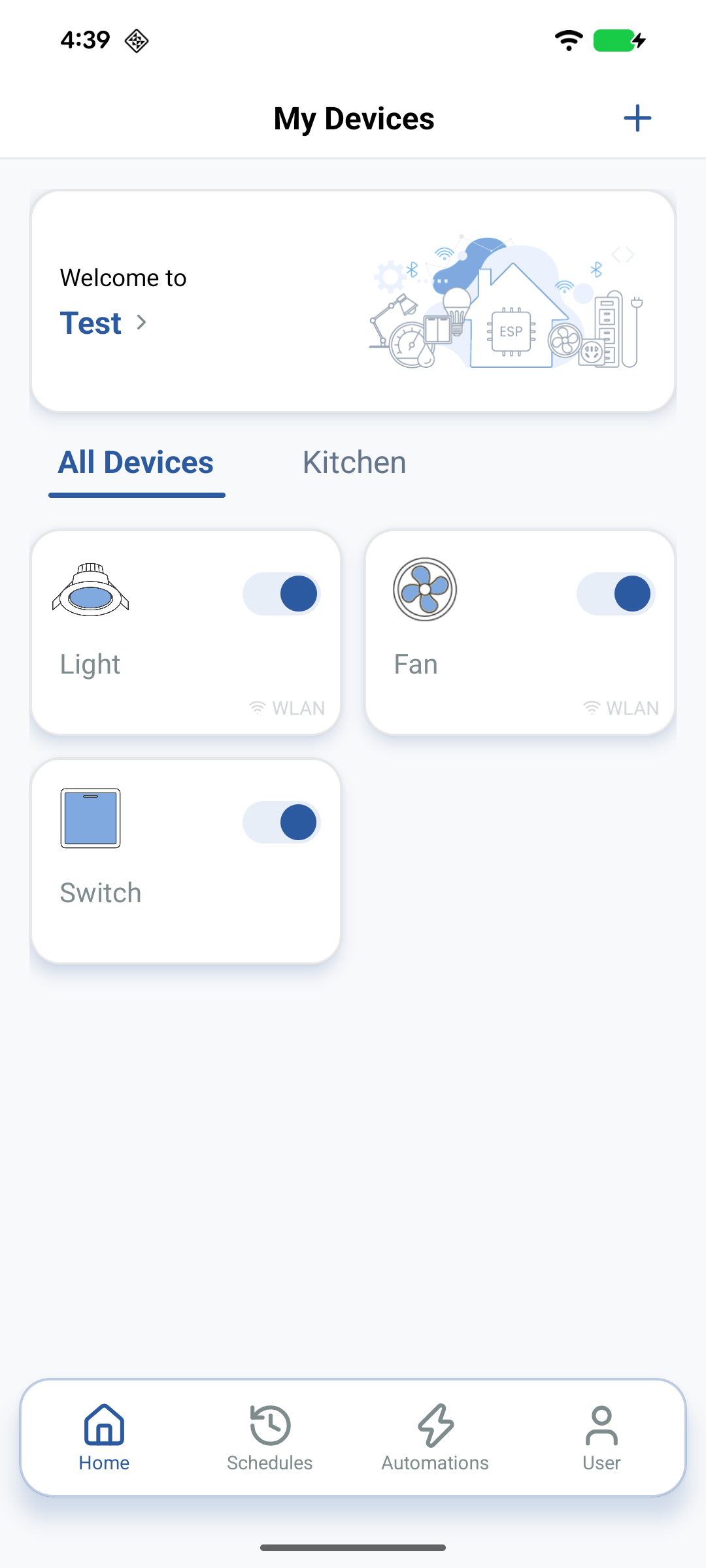
Inspect Node metadata (Node ID, firmware version, timezone) from device settings. Devices appear under the Home; new Nodes show under the All Devices tab until you move them into a Room.
View Node information
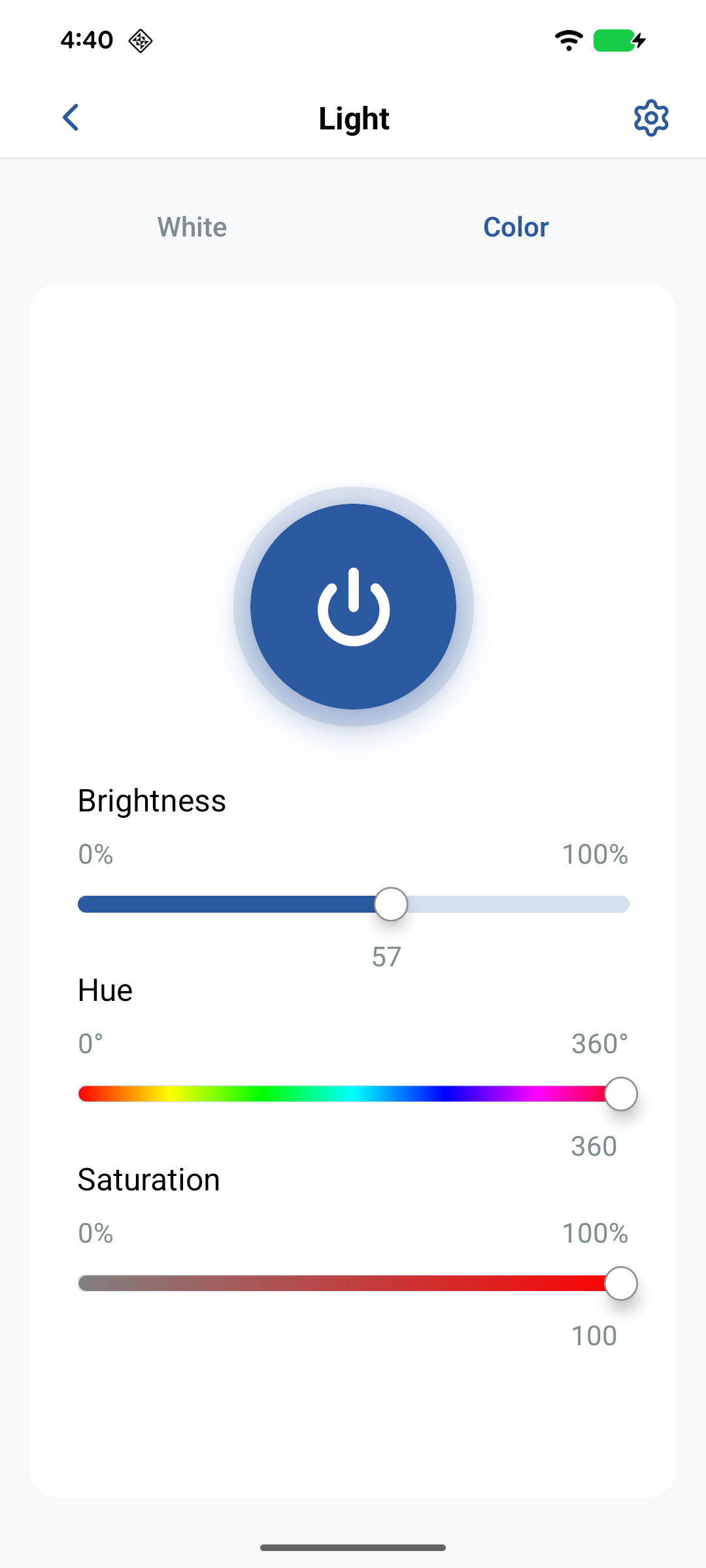
- On the Home page, tap the device to open its control screen.
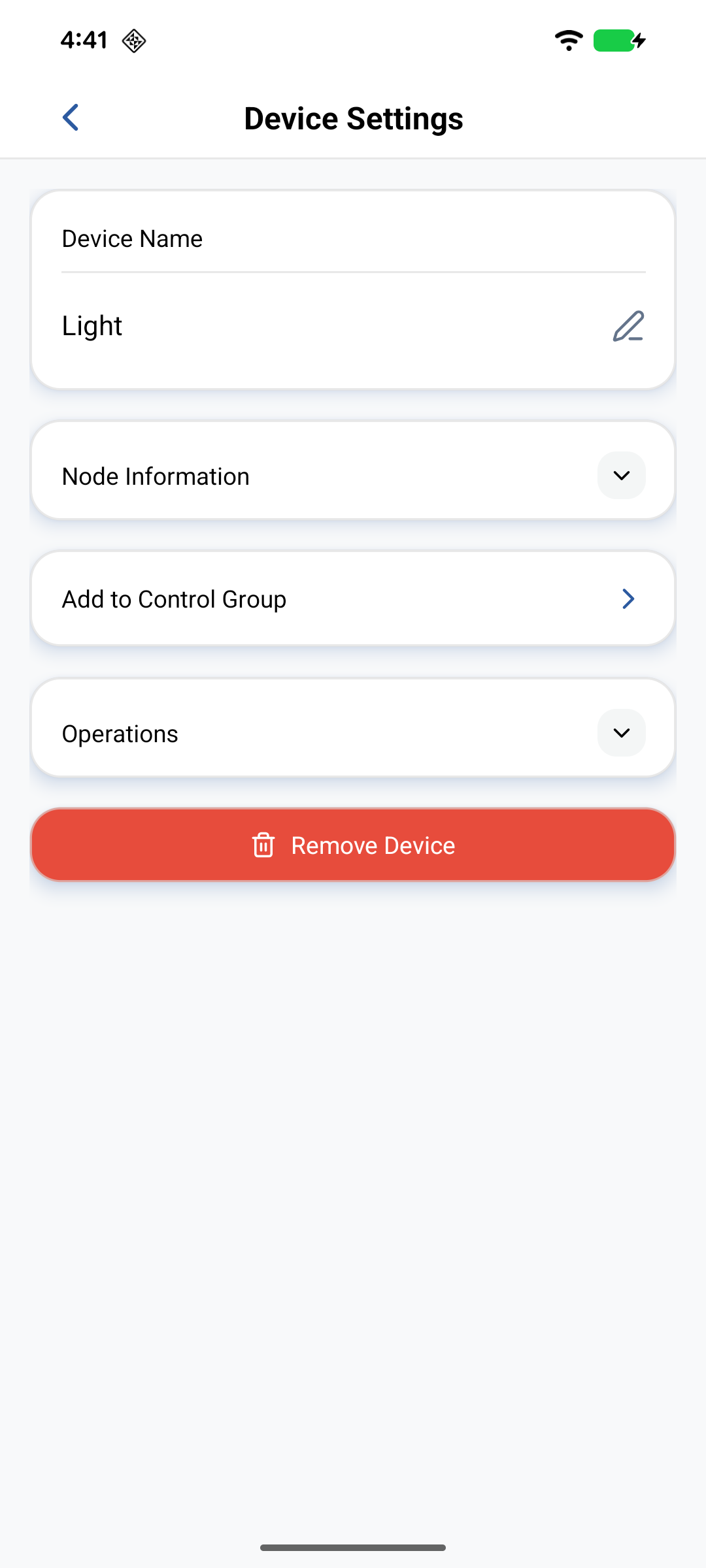
- Tap the Settings (gear) icon in the upper-right corner.
- Tap Node Information to see:
- Node ID — unique identifier (tap to copy)
- Version — firmware currently on the device
- Timezone — when the Node supports it
Use the copy control next to the Node ID when filing support tickets or matching cloud-side logs.
OTA is not in the Neo phone-app UI
Against Neo, the stock app does not expose an in-app OTA screen. Firmware updates are started from the Admin Dashboard — see OTA.
Related
- Setting up devices — provision and remove Nodes
- Device control — operate parameters
- OTA — how OTA works on Neo