Phone Apps Overview
The ESP RainMaker Home app works against both ESP RainMaker and ESP RainMaker Neo. There is no separate Neo app: the same app on the store can be pointed at your own deployment, which means you can put devices in a tester's hands before writing any app code.
Three ways to ship an app
- Use the stock app. Fastest path. Users install ESP RainMaker Home and either use ESP RainMaker Neo or import your private deployment's configuration. Good for evaluation, pilots, and internal fleets.
- Rebrand it. Your icon, name and colours over the same functionality, published under your own developer account.
- Build your own. Full control of the experience, using the TypeScript SDK against your deployment's APIs. See Building custom apps and the State Manager (CDF) the Home app uses to bind the SDK to reactive UI entities.
Pointing the stock app at Neo
The stock app can use ESP RainMaker Neo, or be configured for your private deployment.
| Choice | When to use it |
|---|---|
| ESP RainMaker Neo | Espressif's Neo deployment — no QR scan required. |
| Private deployment | Your own Neo deployment — import the client configuration QR from the Admin Dashboard. |
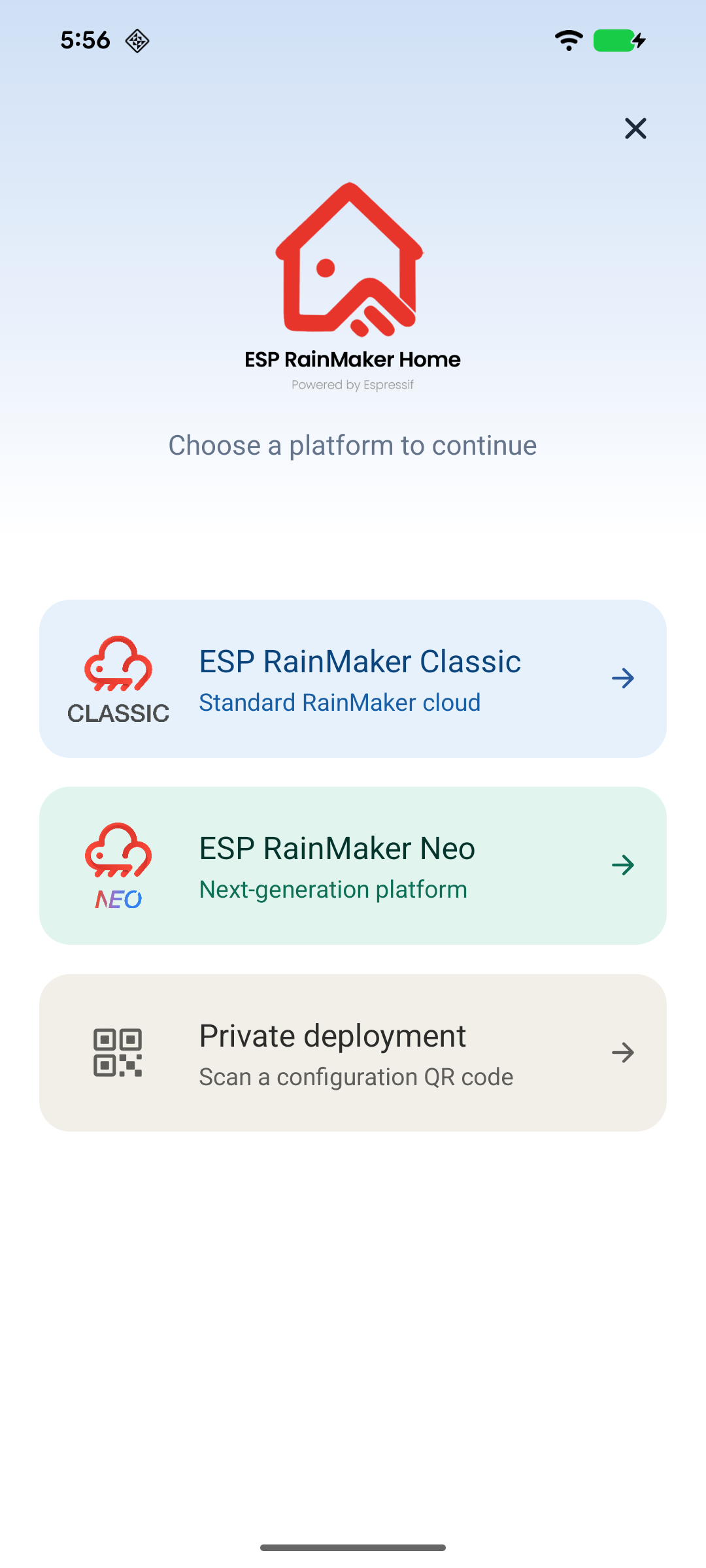
ESP RainMaker Neo
Tap ESP RainMaker Neo on the landing screen. The app opens the login screen against ESP RainMaker Neo. This is the path used in Get Started.
Your private deployment
Your deployment publishes a configuration file and a matching QR code. On the landing screen, tap Private deployment → Update config, scan the QR, and from then on the app talks to your cloud rather than Espressif's.
The step-by-step version is in RainMaker Home phone app, and the values it imports are described in Deployment Details. This page does not repeat them.
Importing a deployment QR is offered from the landing screen as Private deployment. If a store build you are testing has no landing screen or no Private deployment option, that build has configuration import disabled — confirm with your Espressif contact which published builds ship it.
End-user usage guide
Account setup, provisioning, control, Schedules, Automations, and app-level screens are documented under ESP RainMaker Home App. That guide uses the same app screenshots as the ESP RainMaker docs, written in this site's structure.
Customisation and publishing for production apps are covered in Building custom apps.
What differs on Neo
- The stock app can use ESP RainMaker Neo or your private deployment's configuration QR.
- The SDK is a different package — see Building custom apps.
- Features absent from Neo are absent from the app too; Feature overview is the list.
Related
- ESP RainMaker Home App — full end-user usage guide
- Building custom apps — the SDK and the auth chain
- RainMaker Home phone app — the user-facing walkthrough
- Deployment Details — where a deployment publishes its client configuration